
MCP Server Configuration
Important
For security reasons, MCP is not available in non-HTTPS/non-localhost environments.
If you use MCP over HTTP, plaintext transmission may leak keys and create security risks for your server.
Prerequisites
- Deploy OPanel version
2.0.0-pre5or later (see the doc Quick Start) - Install Node.js 18+ and npm
- An AI agent that can call MCP tools, such as Claude Code or OpenClaw (mcporter configuration required)
Deploy
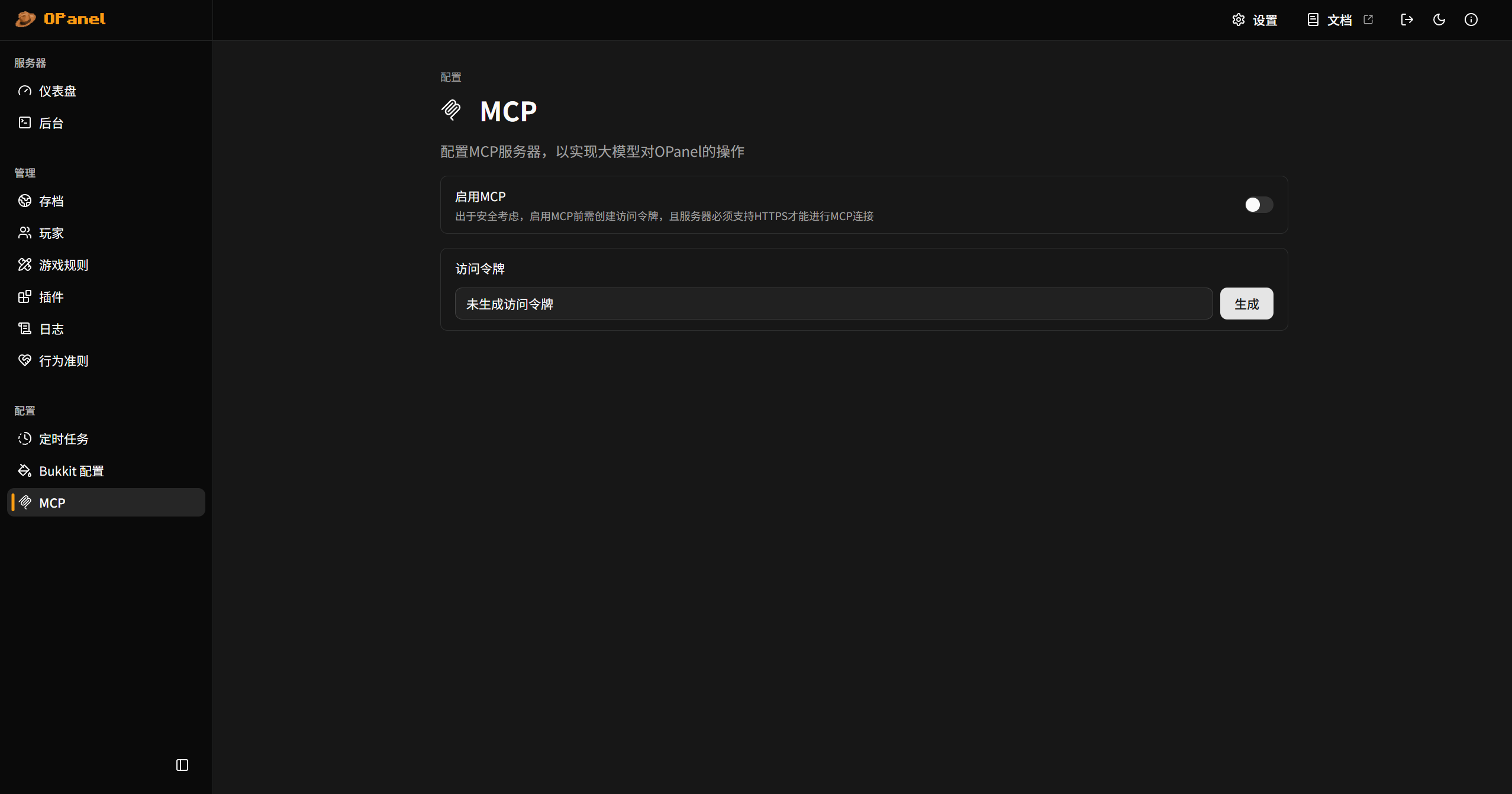
- Open the "MCP" configuration page in OPanel
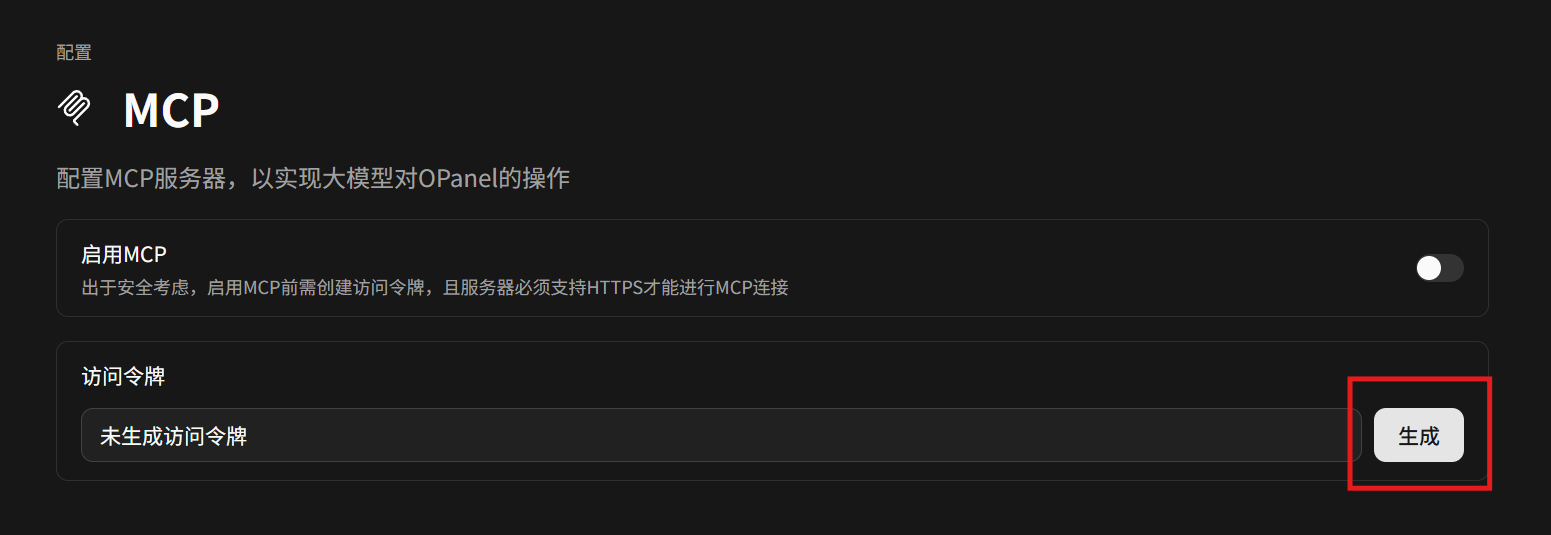
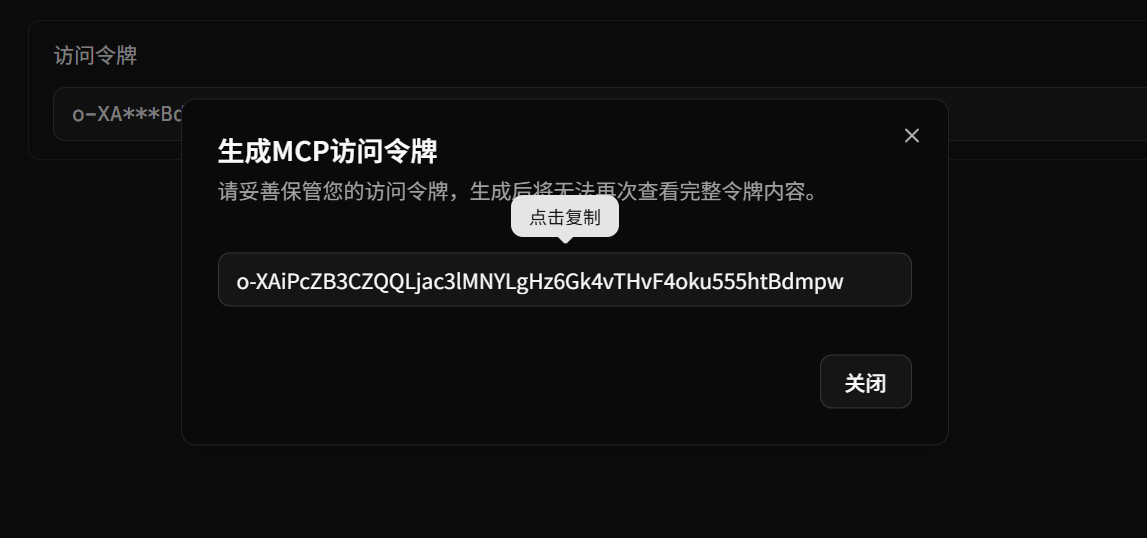
- Generate and copy the MCP access token
Important
Generating a new token will overwrite the existing access token.
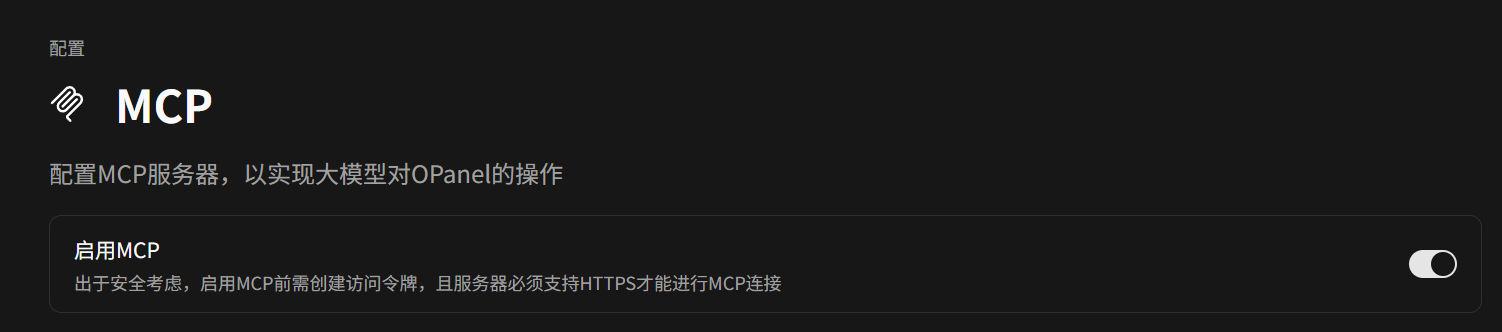
- Enable MCP
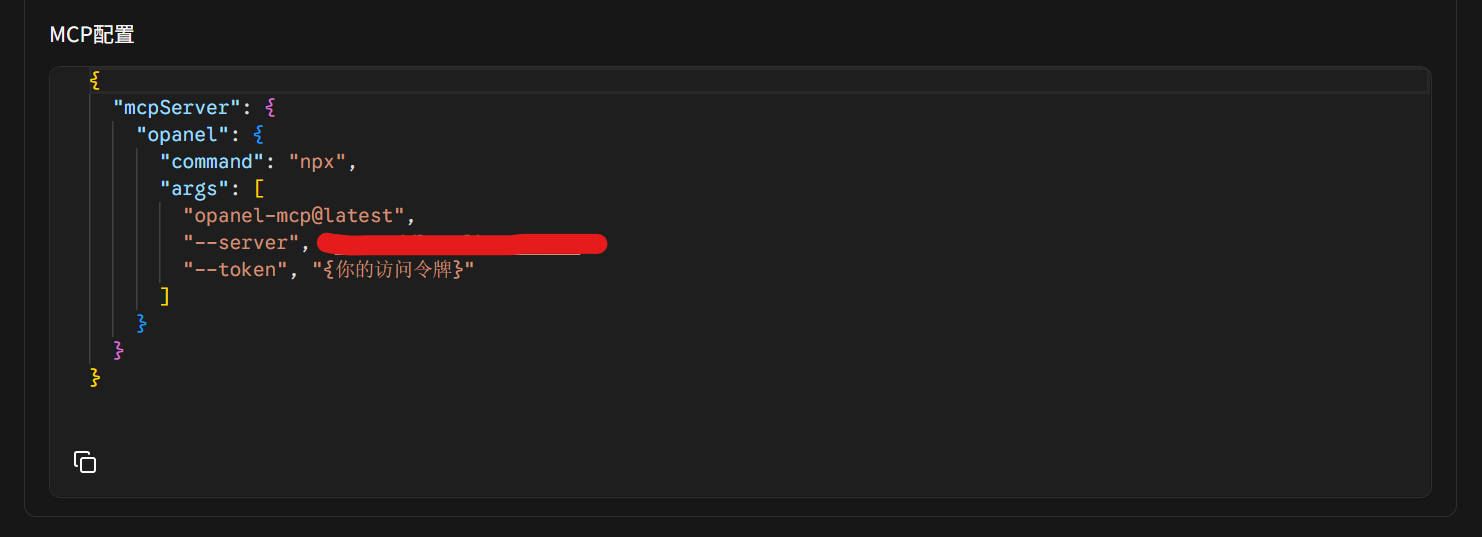
- Configure OPanel's MCP server in your AI agent
Fill in your server IP address for --server, and the newly generated access token for --token.
Usage
OPanel MCP currently supports most operations available in the OPanel panel, including basic server information retrieval, archive management, player management, game rule changes, server console control, and log retrieval.
You can now use natural language to let AI assist with server management!